
Multi-Factor Authentication: The Biggest Security Update
Passwords alone are no longer enough. Cyber attacks are growing in sophistication and a single compromised credential can open the door to your entire business — customer data, financial records, internal systems and all. The good news is that one of the most effective defences available is also one of the easiest to implement.
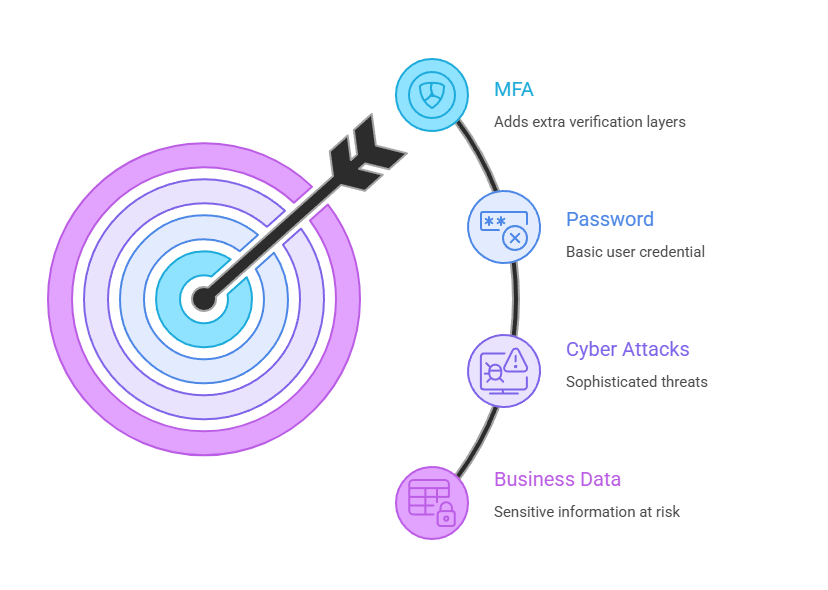
Multi-factor authentication, or MFA, adds an extra layer of verification on top of a standard password. Instead of relying on one thing a user knows, it requires a second (and sometimes third) form of proof before granting access. That might be a code sent to a mobile device, a fingerprint scan or a prompt from an authenticator app. The result is a login process that is significantly harder to breach, even when a password has already been stolen.
Why Passwords Alone Keep Failing
The uncomfortable truth is that most people reuse passwords across multiple accounts. When one service suffers a data breach, attackers test those same credentials elsewhere, a technique known as credential stuffing. It is automated, fast and alarmingly effective.
Weak or reused passwords are involved in the vast majority of account takeovers. No matter how strong your internal security policies are, you cannot fully control how employees manage credentials outside of work. MFA removes the single point of failure that a password represents.
What MFA Actually Looks Like in Practice
For most businesses, rolling out MFA is far less disruptive than it sounds. Common methods include:
- A one-time passcode sent via SMS or email
- A time-sensitive code generated by an app such as Microsoft Authenticator or Google Authenticator
- A push notification that a user approves on their smartphone
- A biometric check, such as fingerprint or face recognition
- A physical security key plugged into a device
Most modern business platforms (Microsoft 365, Google Workspace, cloud-based CRMs, VPNs) support MFA natively. Switching it on is often a matter of enabling a setting and guiding your team through a brief setup process.
The Business Case is Straightforward
Research consistently shows that MFA blocks more than 99% of automated account attacks. For a relatively small investment of time and zero additional hardware in most cases, that is a remarkable return. Beyond the technical protection, demonstrating strong authentication practices also supports compliance with data protection obligations under UK GDPR and can have a positive effect on cyber insurance premiums.
Getting Your Team on Board
The most common pushback from staff is that MFA adds friction to their daily routine. In reality, most authentication apps take seconds to use and quickly become second nature. A short internal briefing, clear instructions and a phased rollout across departments will handle most of the resistance.
At Ashgoal, we help businesses configure and deploy MFA as a part of a broader, well-structured IT security strategy, making sure the right controls are in place without disrupting the way your team works. If you’re looking to add MFA to your business, get in touch, we’ll help you get started.